Free Online Alarm Clock
Set the time, pick a sound, and keep this tab open.
| Need | Best option |
|---|---|
| Free browser-based alarm for quick reminders | ClockWise online alarm clock |
| Loud mobile alarm for heavy sleepers | ClockWise loud alarm clock app |
| Challenge-based wake-up tasks | Alarmy |
| Basic built-in phone alarm | Apple Clock or Google Clock |
Alarm set for
Time remaining:
How to Use This Online Alarm Clock
Pick the hour and minute from the dropdowns above, choose AM or PM, and hit Set Alarm. That's it. The countdown starts immediately, and when the time arrives, you'll hear the alarm sound through your speakers or headphones.
You can also tap any of the quick-set buttons to jump straight to a common wake-up time. The Test button lets you preview the alarm sound before committing, which is worth doing. There is nothing worse than setting an alarm you can't actually hear.
One important thing: keep this browser tab open. Online alarm clocks run inside your browser, so closing the tab kills the alarm. If you need something that works with the screen locked, a native alarm clock app is the way to go.
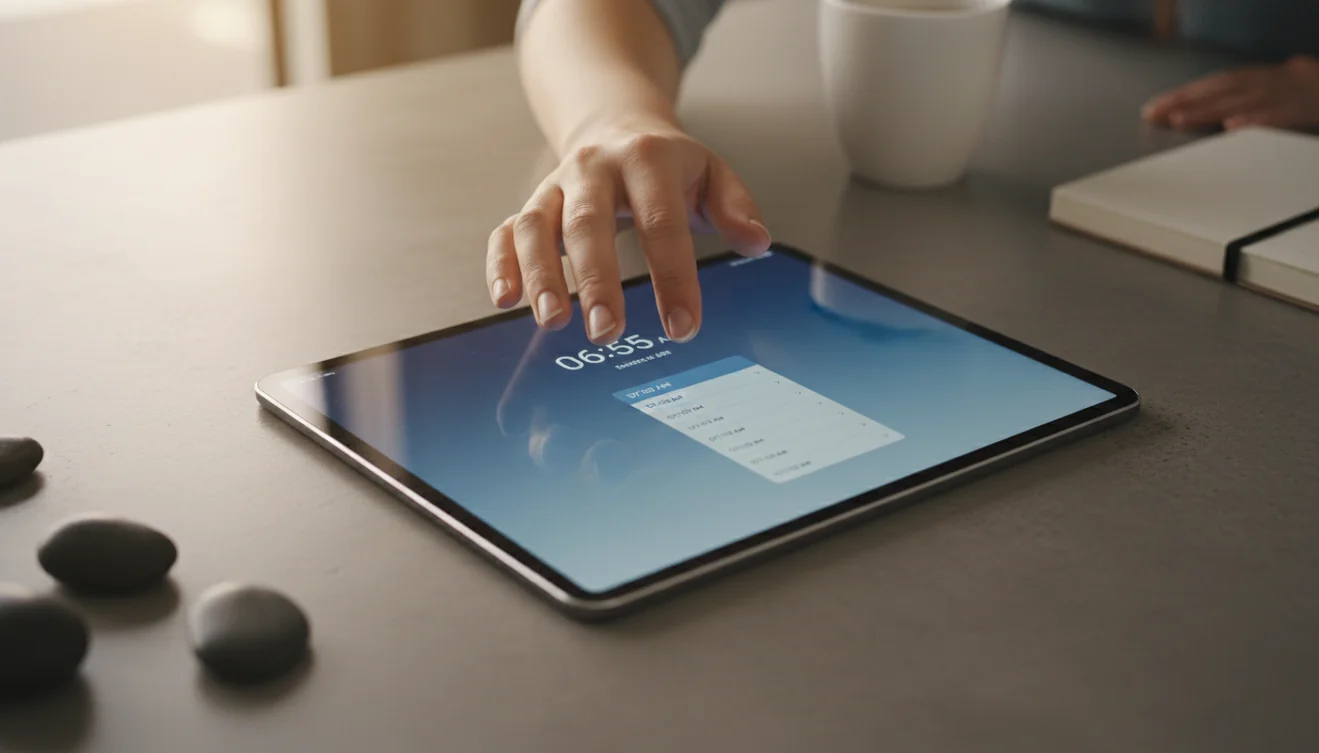
What Is an Online Alarm Clock?
An online alarm clock is a web-based tool that plays an alert sound at a user-specified time. It runs entirely inside the browser using JavaScript and the Web Audio API. No installation or download is required.
Online alarm clocks depend on the browser tab remaining open and the device staying awake. They do not work when the browser is closed or the computer enters sleep mode. For reliability across device states, a native alarm clock application on a phone or tablet is more dependable.
Most online alarm clocks offer basic features: time selection, sound choice, and a visual alert. Some include timers and stopwatch functionality as well. They are useful when you need a quick alarm on a computer without installing software.
An online alarm clock will not sound if the browser tab is closed, the device goes to sleep, or system volume is muted. For critical wake-ups like early flights or shift work, a dedicated alarm clock app on a phone is more reliable than a browser-based tool.
What Is a Loud Alarm Clock App?
A loud alarm clock app is a mobile application designed to wake heavy sleepers through high-volume alerts, mission-based dismissal tasks, and anti-snooze protection. Unlike a standard phone alarm, these apps force you to complete a task (solving a math problem, shaking the phone, or scanning a barcode) before the alarm stops.
Apps like Alarmy also include sleep tracking, bedtime reminders, and calm sleep sounds. The combination of aggressive wake-up mechanics and sleep hygiene tools makes them popular with shift workers, students, and anyone who regularly sleeps through normal alarms.
If an online alarm clock isn't loud enough or you need your alarm to survive a locked screen, a dedicated alarm clock app running natively on your phone is the practical next step.
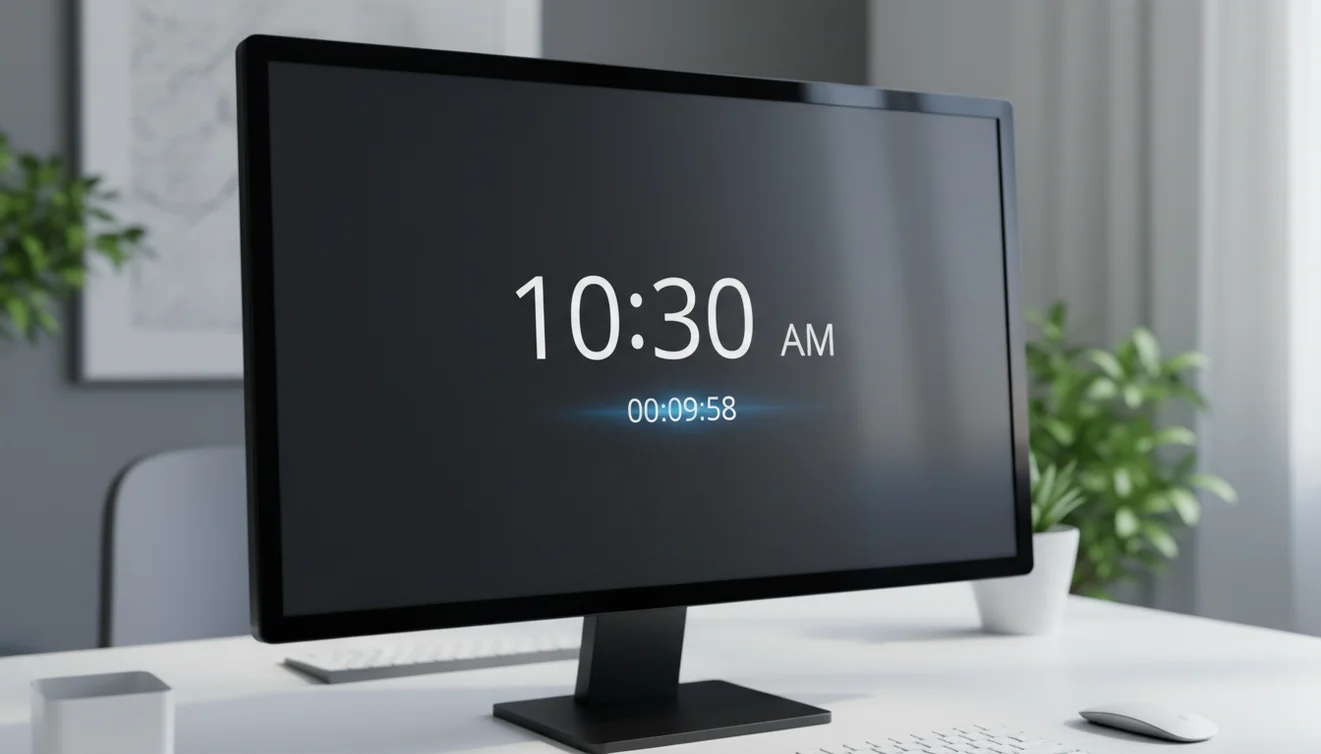
When to Use an Online Alarm Clock vs a Phone App
An online alarm clock is ideal when you're working at a desk, studying on a laptop, or need a quick alarm on a borrowed computer. There's nothing to install, no account to create, and it takes about five seconds to set up. Hotels, libraries, shared offices; anywhere you have a browser and speakers, you have an alarm.
The tradeoff is reliability. A browser alarm dies when the tab closes, and most laptops go to sleep after a few minutes of inactivity. If you're using this as a wake-up alarm while sleeping, you'll need to adjust your power settings to prevent the screen from turning off.
A phone alarm app is the better choice for overnight alarms, recurring schedules, and situations where you need the alarm to survive a locked screen. For heavy sleepers, apps with mission-based dismissal force you to actually get out of bed. An online alarm clock is a tool for the moment; an app is a tool for the routine.
Common Alarm Clock Mistakes
Setting the alarm for the wrong AM/PM is more common than anyone admits. Double-check that 7:00 PM isn't selected when you mean 7:00 AM. On online alarm clocks, this is the single most frequent user error.
Volume is the second issue. Browser audio respects your system volume. If your laptop is muted or set to 10%, the alarm will play but you won't hear it. Always use the Test button before relying on any alarm.
The snooze habit is the third. Research on sleep inertia shows that repeated snoozing fragments sleep into shallow, unrestorative cycles. Each snooze press makes the next wake-up harder, not easier. If you struggle with this, an alarm that requires a mission to dismiss, like math problems or a barcode scan, breaks the snooze loop entirely.
Explore More
Frequently Asked Questions
No. An online alarm clock runs inside your browser tab. If you close the tab, switch off the computer, or let the device go to sleep, the alarm will not fire. Keep the tab open and the screen awake for the alarm to work.
Yes. Online alarm clocks work in mobile browsers like Chrome and Safari. However, some phones mute browser audio when the screen locks, so a dedicated alarm clock app is more reliable for heavy sleepers.
Maximum system volume combined with a high-frequency alarm tone produces the loudest result. Online alarm clocks generate sound through your browser, so turning your system volume to maximum and selecting the Loud Alarm option will produce the loudest result.
Yes. This online alarm clock is completely free with no sign-up required. You set the time, pick a sound, and the alarm plays when the time arrives. No downloads or subscriptions needed.
Most browsers require a user interaction before playing audio. Click anywhere on the page after loading it. Also check that your device is not on silent mode and the volume is turned up.
This online alarm clock supports one alarm at a time. For multiple alarms, a dedicated alarm clock app on your phone is a better option, as it can handle overlapping schedules and snooze logic.
An alarm clock triggers at a specific time of day, like 7:00 AM. A timer counts down from a set duration, like 10 minutes. Both produce an alert sound, but they solve different problems.
Once the page is loaded, the alarm runs locally in your browser. You do not need an active internet connection for the alarm to fire, but you need internet to load the page initially.
An alarm clock app is a mobile application that wakes users at a set time using sound, vibration, or on-screen tasks. Dedicated alarm clock apps offer louder tones, mission-based dismissal, and sleep tracking features that go beyond the default phone alarm.
The best alarm clock app for heavy sleepers includes mission-based dismissal, loud volume override, and anti-snooze features. Alarmy is the most downloaded alarm clock app globally with over 75 million users and top ratings in 90+ countries.
Open a browser-based alarm clock like AlarmClockApp.io, select the time, choose an alarm sound, and click Set Alarm. Keep the browser tab open and system volume turned up for the alarm to sound.
A countdown timer is better for relative durations. Set a 30-minute timer instead of calculating the exact clock time. Both tools are available on this site.
Need a louder alarm than your browser can provide?
Use the free online alarm clock for quick alerts, or download ClockWise when you need a loud alarm clock app built for heavier sleepers and more reliable mornings.
Get ClockWise App