Download Loud Alarm Clock App
The built-in alarm on most phones was not designed for heavy sleepers. It is quiet, easy to dismiss, and has no accountability. A loud alarm clock app solves all three problems, and it is free to download.
| Need | Best option |
|---|---|
| Loud wake-up app for heavy sleepers | ClockWise |
| Challenge-based alarm missions | Alarmy |
| Sleep tracking and light-sleep wake windows | Sleep Cycle |
| Simple built-in phone alarm | Apple Clock or Google Clock |
What Is a Loud Alarm Clock App?
A loud alarm clock app is a mobile application built specifically to wake people who sleep through standard alarms. It delivers audio at or near the device's maximum speaker output and uses techniques like escalating volume, high-frequency tones, and vibration patterns to break through deep sleep. The difference between a loud alarm clock app and the default phone alarm is comparable to the difference between a whisper and someone shaking you awake.
These apps go beyond volume. They add accountability layers: mission-based dismissal, snooze restrictions, and sleep tracking, that address the root causes of oversleeping. The free tier of most loud alarm clock apps includes the core features: loud tones, basic missions, and alarm scheduling. Premium tiers add sleep analytics, custom routines, and advanced wake-up missions.
Alarm clock apps cannot override hardware limitations. Maximum volume varies by device model and speaker quality. Apps that claim to exceed device hardware limits are misleading. For the loudest possible alarm, external Bluetooth speakers or dedicated alarm clock hardware may be necessary.
Why Standard Phone Alarms Are Not Enough
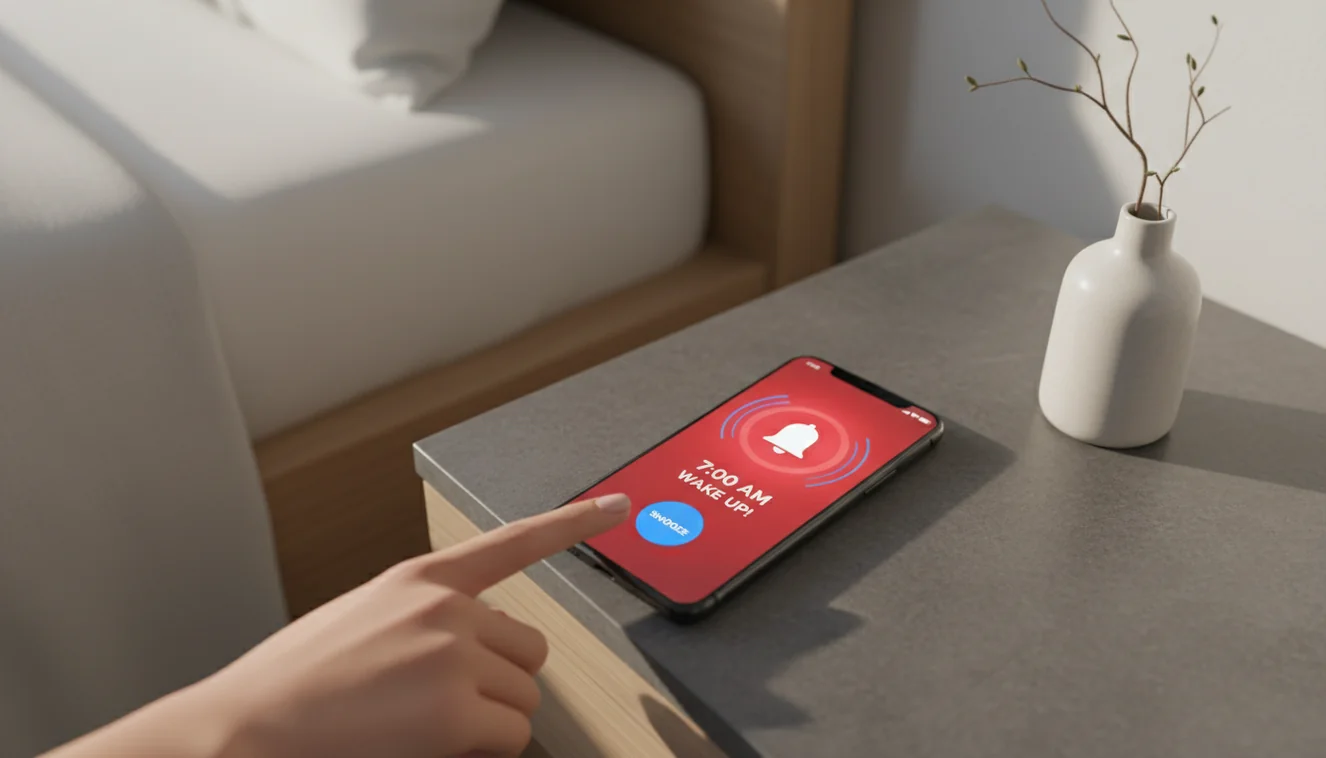
The default alarm on iOS and Android was designed as a utility, not a solution for heavy sleepers. It plays a tone at whatever volume the phone is currently set to, which may be low or muted. It offers a large snooze button and a simple dismiss gesture. There is no mechanism to verify the user is actually awake.
Heavy sleepers develop unconscious habits around dismissal: swiping, tapping, or even turning off the phone entirely without forming a memory of doing so. The phone alarm has no defense against this. A dedicated loud alarm clock app was built to counter exactly these behaviors with missions, volume overrides, and power-off prevention.
Key Features to Look For
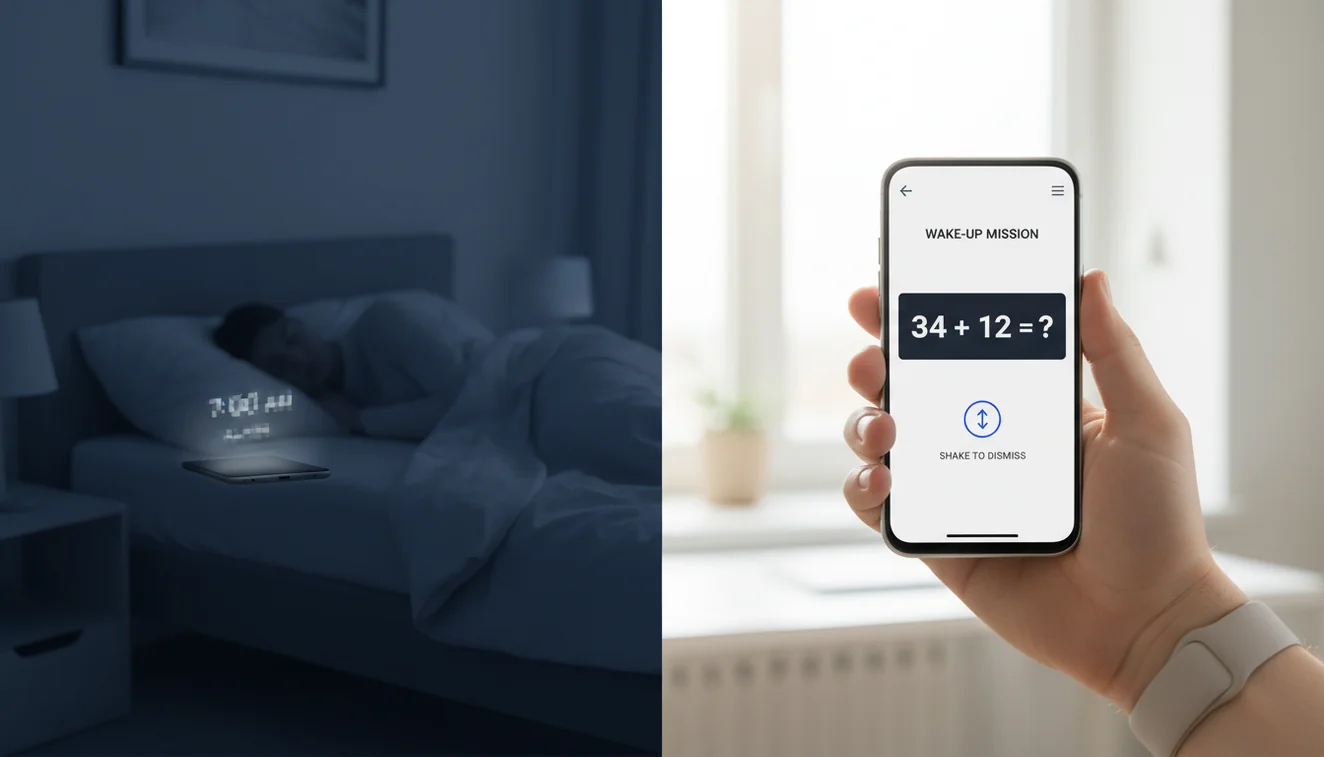
Mission-based dismissal. The alarm only stops when you complete a task: solve a math problem, take a photo of a designated spot in your house, scan a barcode in another room, or do a set number of squats. By the time you finish, your brain is engaged enough that going back to bed feels less appealing.
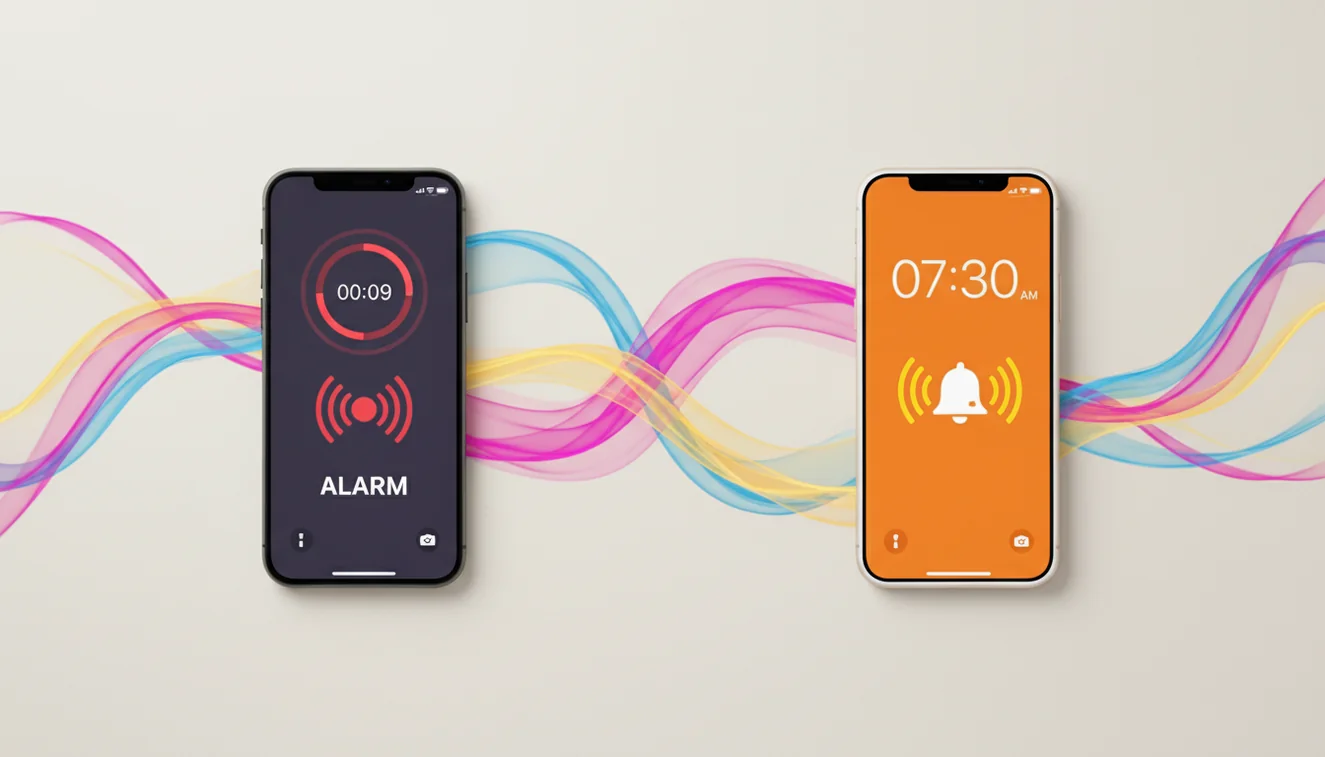
Volume override. The app pushes audio through the alarm stream at device maximum, bypassing silent mode, Do Not Disturb, and low volume settings. On most phones this reaches 75-85 dB, loud enough to wake a light sleeper in the next room.
Anti-snooze controls. Either snooze is disabled entirely, or each snooze press requires completing a mini-mission. This eliminates the muscle-memory snooze habit that adds 30–60 minutes of fragmented, low-quality sleep.
Sleep tracking. The app uses the phone's microphone and accelerometer overnight to estimate sleep stages, detect snoring, and record time in bed versus time asleep. The data helps identify patterns (late bedtimes, frequent waking, or insufficient deep sleep) that contribute to morning difficulty.
Bedtime reminders. A reminder 30–60 minutes before a target bedtime helps build a consistent sleep schedule. Circadian rhythm regularity is the single most effective factor in making mornings easier over time.
How Mission-Based Alarms Change Morning Routines
The first three days of using mission-based alarms are uncomfortable. Most users report frustration at being forced to do math or walk to the bathroom to take a photo while half-asleep. By the end of the first week, something shifts: the brain starts associating the alarm with guaranteed waking, and sleep inertia, the groggy, disoriented feeling upon waking, decreases noticeably.
A common effective setup: set a photo mission with the target being the kitchen coffee maker. The alarm rings, the user has to get out of bed, walk to the kitchen, and photograph the coffee maker. At that point, making coffee is the obvious next step. Within two weeks, the routine becomes automatic. The alarm is no longer a battle; it is the first step in a sequence the body expects.
Browser Alarm vs Alarm Clock App
A browser-based online alarm clock is useful for quick timers, naps at a desk, or testing alarm sounds before downloading an app. It works in a browser tab, requires no installation, and is free. The limitations are real, though: the alarm only sounds while the tab is open and the browser is active, volume depends on system settings, and there are no missions, no sleep tracking, and no power-off prevention.
For daily wake-up use, especially for heavy sleepers, a dedicated app is the correct tool. It runs in the background, survives phone restarts, overrides silent mode, and provides the accountability features that a browser tab cannot. Use the online alarm clock for quick, ad-hoc timing. Use the app for everything that matters.
Setting Up the App for Best Results
Download the app and immediately set the volume to maximum within the app settings. Do not rely on the system volume slider. Choose an alarm tone with a rising frequency pattern; pure high-pitched tones cut through sleep more effectively than music or nature sounds. Enable at least one mission, preferably a photo mission that requires getting out of bed.
Disable snooze for the first two weeks. If the temptation to snooze is strong, enable snooze with a math mission. You will earn each snooze by solving problems, which usually makes snoozing feel like more effort than just getting up. Place the phone across the room if possible. Charge it overnight so the battery does not die before the alarm triggers.
Sleep Tracking and What the Data Means
Sleep tracking in alarm clock apps uses the phone's sensors to estimate when you fell asleep, how long you stayed asleep, how many times you woke up, and whether you snored. The data is not medical-grade, but trends over a week or more reveal useful patterns. If your average sleep duration is under 6.5 hours, the alarm is not the problem; insufficient sleep is.
The most actionable metric is sleep consistency: going to bed and waking up at the same times daily, including weekends. Users who maintain a consistent schedule for 10+ days typically report easier wake-ups regardless of alarm type. The app data makes this visible and trackable.
Related Tools & Guides
Frequently Asked Questions
An alarm clock app is software that runs on a smartphone or tablet and wakes users at a set time using sound, vibration, or on-screen prompts. Unlike the default clock app bundled with most phones, dedicated alarm clock apps offer louder tones, mission-based dismissal, sleep tracking, and anti-snooze features designed for people who struggle to wake up on time.
For heavy sleepers, apps with mission-based dismissal and high-volume output consistently rank highest. Alarmy, for example, has over 75 million downloads and top ratings in 90+ countries. For people who need sleep tracking alongside wake-up features, apps that combine both functions in a single interface are the most practical choice. The best fit depends on whether your main issue is sleeping through alarms or needing sleep data.
Most alarm clock apps offer a free tier that includes basic alarm, timer, and sound features. Premium tiers, typically $3 to $8 per month, unlock advanced features like sleep analytics, unlimited missions, ad removal, and custom wake-up routines. The core functionality of setting a loud alarm with mission dismissal is generally available at no cost.
Alarm clock apps store alarm schedules locally on the device and do not need an internet connection to trigger alarms on time. Features that sync data across devices, download new alarm sounds, or upload sleep reports to the cloud require a network connection, but the core alarm function works offline.
Most dedicated alarm clock apps override the system silent switch and volume settings. On iOS, alarms set through apps that use local notifications will sound even if the ringer is muted. On Android, alarm-type audio streams bypass Do Not Disturb and silent mode by default. Check the app settings to confirm override behavior is enabled.
Maximum phone speaker output varies by device. Most smartphones reach 70–80 dB at maximum volume, which is about as loud as a vacuum cleaner. Dedicated alarm apps optimize audio output to hit the device ceiling and use high-frequency tones that are harder to sleep through. For comparison, a traditional bedside alarm clock reaches 80–100 dB.
Mission-based alarms require the user to complete a task before the alarm can be dismissed. Common missions include solving math equations, taking a photo of a specific object or location, shaking the phone a set number of times, scanning a barcode, or walking a certain number of steps. The purpose is to force cognitive and physical engagement so the user is fully awake before silence returns.
Alarm clock apps work well for nap timing. Set a single alarm for 20 minutes (a power nap) or 90 minutes (one full sleep cycle). Some apps include a dedicated nap mode with preset durations and gentler alarm tones. Unlike a browser-based timer, an app alarm will sound even if the screen is locked or other apps are in use.
Many alarm clock apps include a sleep tracker that uses the phone microphone or accelerometer to detect movement and sound during sleep. This data generates a sleep report showing estimated sleep stages, snoring episodes, and time spent in bed versus time actually asleep. Sleep tracking accuracy varies, but the trends over time are generally useful for identifying patterns.
Anti-snooze is a feature that removes or limits the snooze button. In some apps, snooze is disabled entirely; the only option is to dismiss the alarm by completing a mission. In others, snooze is available but requires a mini-task each time, making repeated snoozing impractical. The goal is to break the snooze habit, which fragments sleep and increases morning grogginess.
The built-in phone alarm handles basic scheduling but lacks advanced features. It cannot require a mission to dismiss, does not track sleep, and its volume is limited to the system default. A dedicated alarm clock app provides louder output, customizable tones, escalating alarms, snooze control, and wake-up missions, all designed specifically for people who need more than a simple beep to get out of bed.
Alarm clock apps that include bedtime reminders and sleep tracking help users build consistent sleep schedules. Setting both a wake-up alarm and a bedtime notification at the same times daily trains the circadian rhythm over one to two weeks. Consistency is more effective than any single alarm feature for long-term improvement in wake-up quality.
Alarm scheduling itself uses minimal battery. Features like sleep tracking (which keeps the microphone or accelerometer active overnight) can increase battery consumption by 5–15% depending on the device and sensors used. Most apps recommend plugging in the phone during sleep tracking. The alarm trigger mechanism is lightweight and does not drain battery in standby.
If the phone battery runs out, no alarm app can sound the alarm. Some apps display a warning when battery is below a threshold before the scheduled alarm time. The practical solution is to charge the phone overnight, especially when using sleep tracking features that draw additional power.
Download a louder alarm clock built for real wake-ups
ClockWise helps heavy sleepers create a stronger morning setup with loud alarms, smarter routines, and practical tools. Use it as your main wake-up app or pair it with the online alarm as a backup.
Get ClockWise App