World Clock
Current time in major cities around the world, updated every second.
Your Local Time
How Time Zones Work
The earth rotates 360 degrees in 24 hours, which means each 15-degree segment corresponds to one hour of time difference. Time zones were formalized in the late 19th century when railroads needed standardized schedules. Before that, every town set its own time based on the sun's position.
Today, Coordinated Universal Time (UTC) serves as the global reference. Each time zone is defined as an offset from UTC. New York is UTC-5 in winter and UTC-4 during daylight saving time. Tokyo is always UTC+9 because Japan does not observe DST.
Some time zones use 30-minute or 45-minute offsets. India operates on UTC+5:30, which puts it exactly between two standard hour zones. Nepal uses UTC+5:45. These irregularities exist for historical, political, and practical reasons specific to each country.
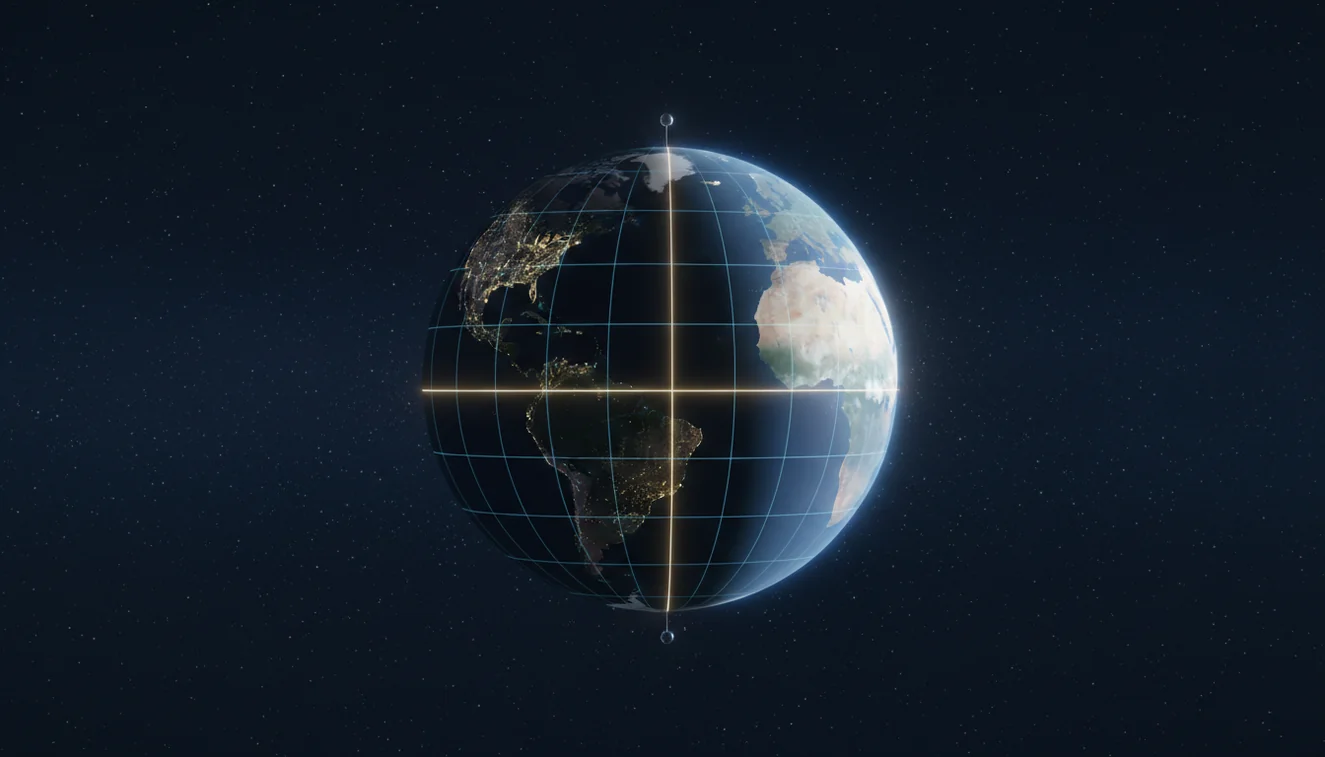
What Is a World Clock?
A world clock is a tool that displays the current time in multiple cities or time zones simultaneously. It allows users to compare times across regions without performing manual UTC offset calculations.
World clocks are commonly used by travelers, remote teams, international businesses, and anyone who communicates across time zones. Online world clocks update automatically, including daylight saving adjustments, and typically support hundreds of cities worldwide.
World clocks rely on the device system clock for accuracy. If the device clock is wrong or not synchronized via NTP, all displayed times will be offset. World clocks also cannot predict future daylight saving changes that have not been enacted into law.
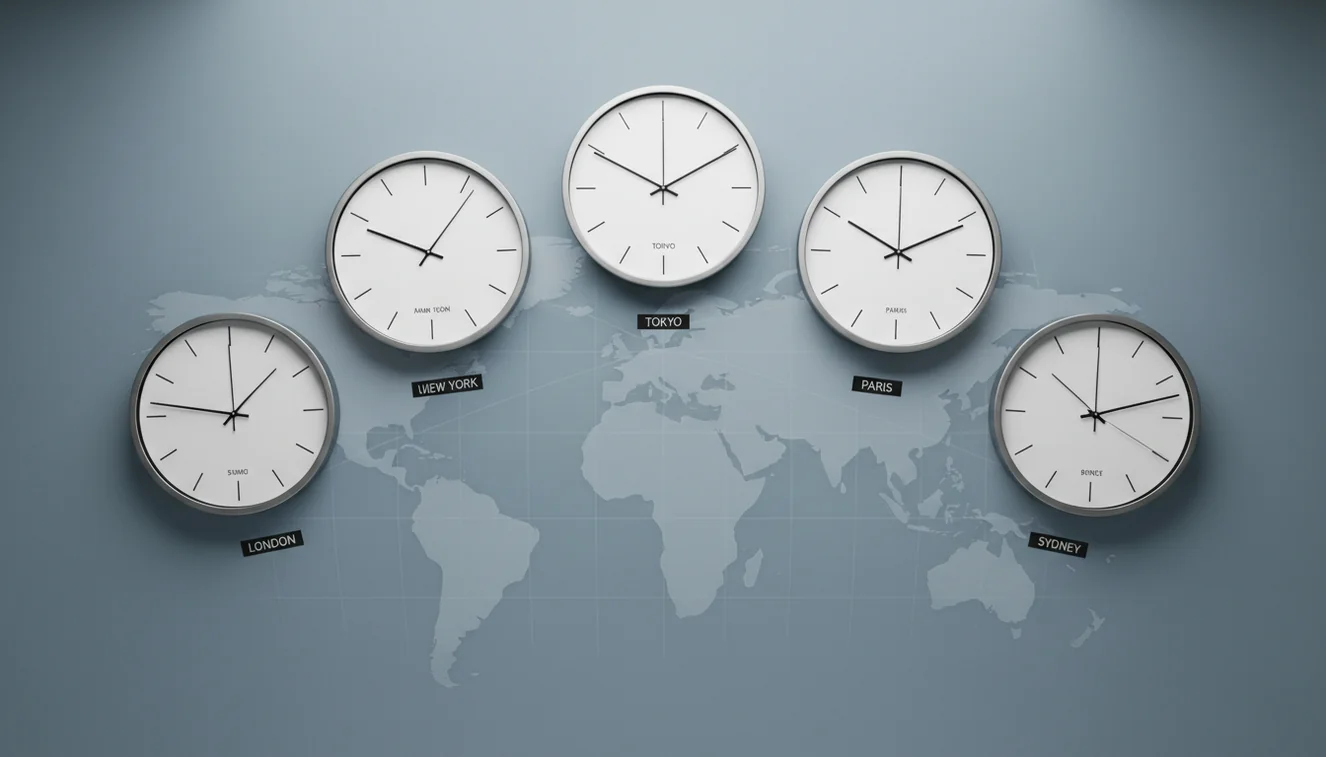
World Clock Apps for Travelers
If you travel frequently or work with international teams, a world clock app on your phone gives you persistent, at-a-glance access to multiple time zones without opening a browser. Most alarm clock apps include a world clock feature alongside alarms and timers.
Apps like Alarmy combine loud alarm clocks with scheduling tools that account for time zone differences. For travelers who need to set alarms in their destination time zone before arrival, a native app avoids confusion about which clock your browser is using.

Scheduling Meetings Across Time Zones
The overlap between business hours in New York (9 AM–5 PM ET) and London (9 AM–5 PM GMT) is roughly 9 AM to noon ET, a three-hour window during UK winter, four hours during US summer. Tokyo has almost zero overlap with US business hours, which is why most US-Japan meetings happen at 8 AM ET (10 PM in Tokyo) or early morning in Japan.
A world clock eliminates the mental math. Instead of converting UTC offsets in your head, you look at the grid and see the actual times side by side. For teams spread across three or more time zones, this visual comparison is the fastest way to find a slot that doesn't ruin someone's evening.
When setting alarms for international calls, keep daylight saving transitions in mind. The US and Europe switch on different dates, which creates a one-to-two-week period where your usual meeting time shifts by an hour. A world clock with automatic DST adjustment catches this; a manual calendar invite may not.
Daylight Saving Time and Why It Matters
Daylight saving time shifts clocks forward by one hour in spring and back in fall in regions that observe it. Not all countries participate. Japan, China, India, and most of Africa and South America do not observe DST. The European Union and most of North America do, though transition dates differ.
The practical effect: a meeting that works at 3 PM London / 10 AM New York in January might shift to 3 PM London / 11 AM New York in March if the US springs forward before the UK does. This two-week gap catches people every year.
Online world clocks that use the IANA Time Zone Database handle these transitions automatically. If you rely on a static offset chart or a manually calculated schedule, DST transitions will eventually cause a scheduling error.
Related Tools & Guides
Frequently Asked Questions
A world clock uses the IANA Time Zone Database, which maps every city and region to its correct UTC offset. The browser calculates each city's local time by applying the offset to your device's system clock.
Yes. The time zone database includes daylight saving transition dates for every region. When a city switches to or from DST, the world clock reflects the change automatically.
Countries like India (UTC+5:30), Iran (UTC+3:30), and Nepal (UTC+5:45) adopted non-standard offsets for historical and geographic reasons. Their time zones do not align with full-hour UTC increments.
Yes. This world clock is completely free and runs in your browser. It displays the current time for 16 major cities across all major time zones with no registration required.
Yes. By viewing multiple time zones simultaneously, you can identify overlapping business hours between cities. This avoids scheduling a 9 AM meeting in New York that falls at 3 AM in Tokyo.
Yes. The clocks update every second using your device's system time. The accuracy depends on your device clock, which is typically synchronized via NTP.
There are 38 distinct UTC offsets currently in use, ranging from UTC-12 to UTC+14. Some offsets differ by 30 or 45 minutes rather than full hours.
UTC (Coordinated Universal Time) is the global time standard from which all time zones are calculated as offsets. UTC+0 corresponds to Greenwich Mean Time. It does not observe daylight saving time.
New York is 5 hours behind London during standard time (EST vs GMT). During summer, when both observe daylight saving, the difference remains 5 hours (EDT vs BST).
Take the UTC offset of both cities and calculate the difference. For example, New York (UTC-5) to Tokyo (UTC+9) is a 14-hour difference. Online world clocks display this automatically.
Need a Loud Alarm After Checking the World Clock?
Use ClockWise to set loud wake-up alarms for travel, early meetings, and changing schedules. For online alarms, keep the browser tab open so the alarm can ring.
Get ClockWise App