Online Countdown Timer
Set the duration, press start, and keep this tab open.
How to Use This Online Countdown Timer
Enter the hours, minutes, and seconds in the fields above, then hit Start. The large display counts down in real time. When it reaches zero, an alarm sound plays until you stop it.
The preset buttons below the timer let you jump to common durations with a single tap. Cooking pasta? Hit 10 min. Quick power nap? 20 min. Need a Pomodoro session? 25 minutes with a manual entry.
You can pause the timer at any point and resume later. The countdown runs inside your browser, so keep the tab open. Closing it kills the timer, and there is no recovery.
What Is a Countdown Timer?
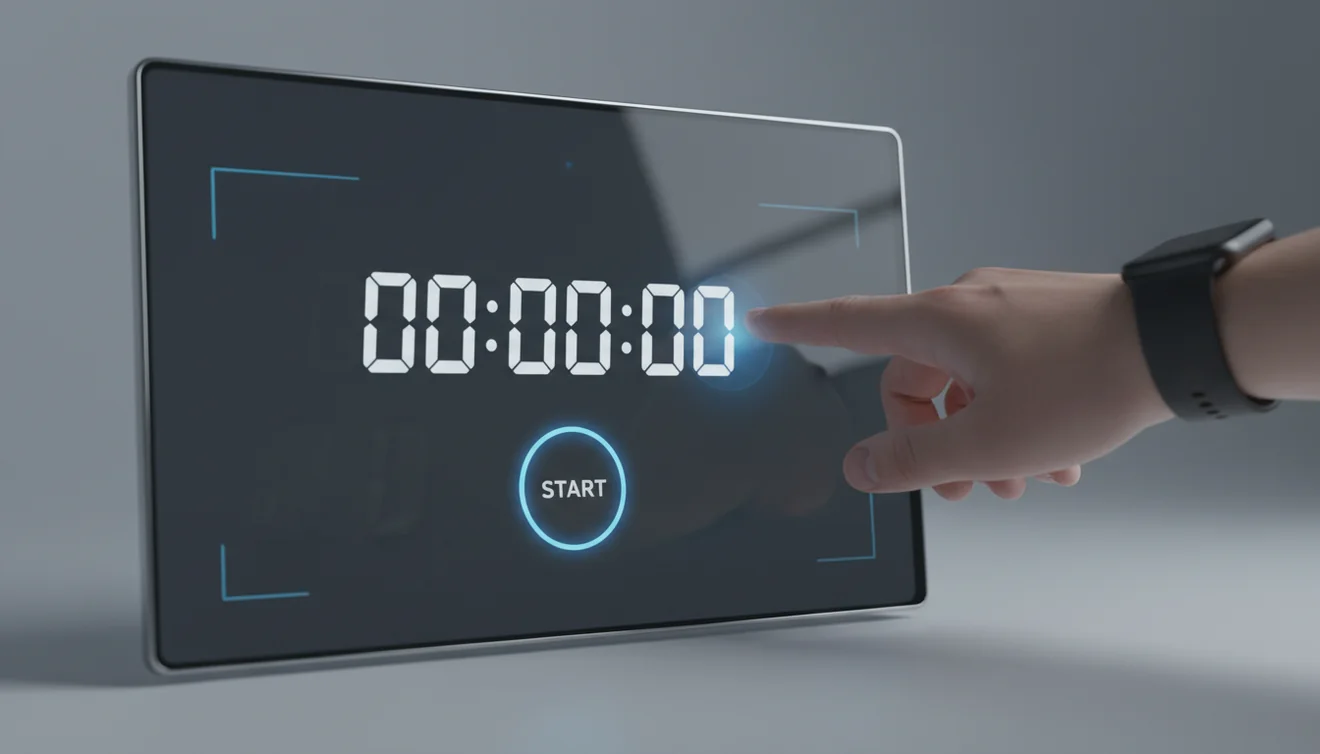
A countdown timer measures a specific duration and alerts the user when that duration expires. Unlike an alarm clock, which triggers at a fixed time of day, a timer counts backward from a set number of hours, minutes, or seconds.
Countdown timers are used in cooking, exercise, studying, presentations, and productivity techniques like the Pomodoro method. They provide a clear visual indicator of how much time remains and remove the need to watch the clock.
Online countdown timers run in the browser using JavaScript. They are free, require no installation, and work on any device with a web browser. Their main limitation is that they depend on the browser tab staying open.
Browser-based timers rely on the tab staying open and the device staying awake. If the laptop lid is closed or the phone screen locks, some browsers pause JavaScript execution and the alarm may not fire. For timed tasks where missing the alert has consequences, a native timer app is a safer choice.
Countdown Timer Apps for Mobile
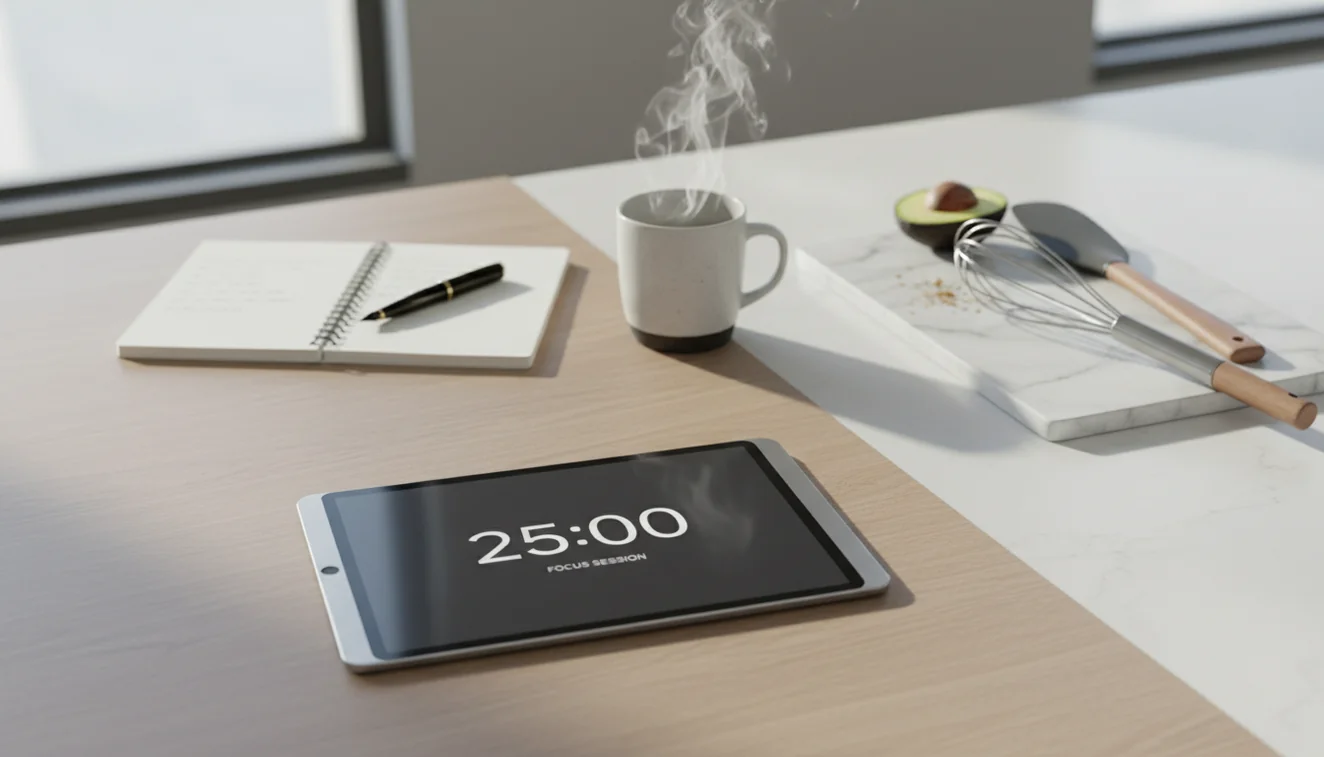
Mobile timer apps run natively on your phone, which means they keep counting even when the screen is locked or you switch to another app. This makes them more reliable than browser-based timers for situations where you might walk away from the screen.
Alarm clock apps like Alarmy bundle countdown timers with alarm clocks, sleep tracking, and loud alert sounds. If you regularly use timers for cooking, workouts, or study sessions, a dedicated app avoids the risk of accidentally closing a browser tab mid-countdown.
Using a Timer for the Pomodoro Technique
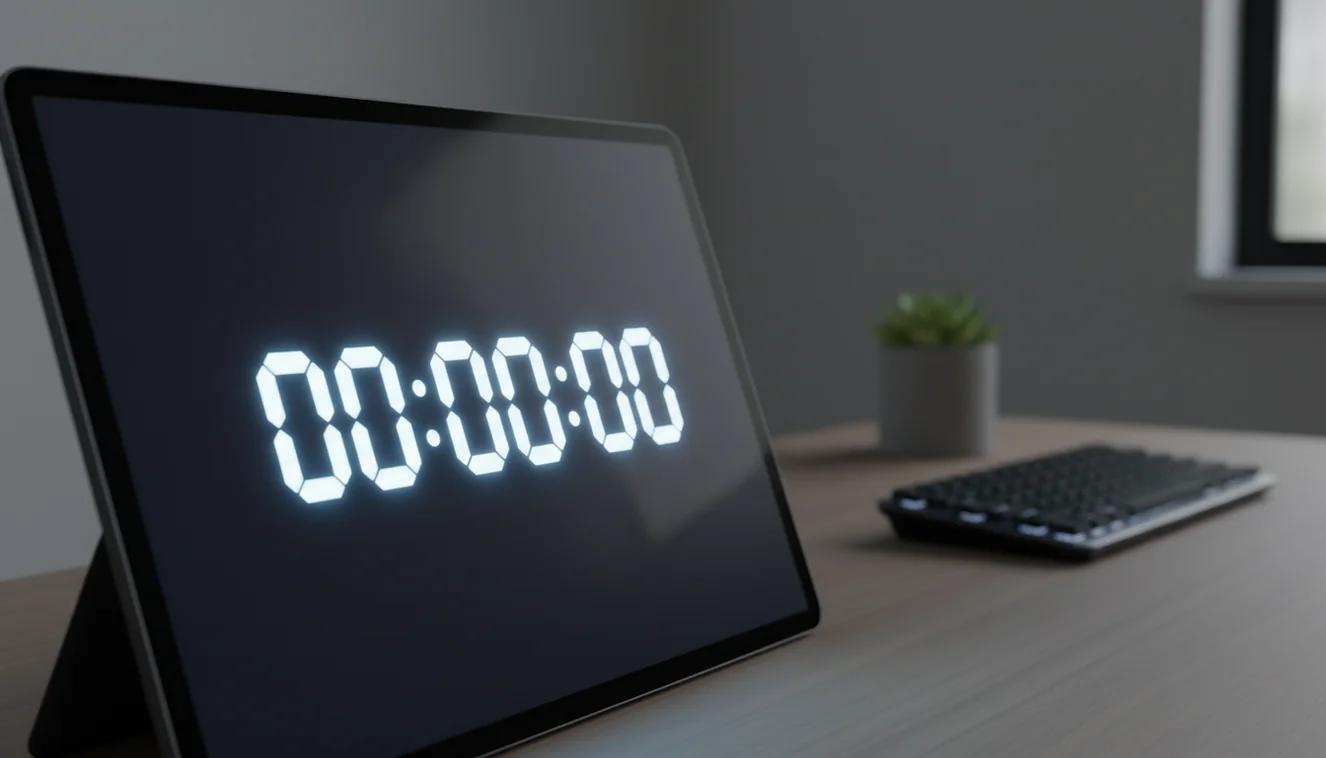
The Pomodoro Technique uses 25-minute work blocks separated by 5-minute breaks. After four cycles, you take a longer 15-to-30-minute break. The method works because it removes the question of "how long should I focus?" The timer decides for you.
Setting a countdown timer eliminates clock-watching. You know the break is coming, so the urge to check your phone or open a new tab drops. The key is treating the timer as a boundary, not a suggestion. When it rings, you stop. When you restart, you focus.
This technique is most effective for tasks that require sustained concentration but aren't inherently engaging: studying, writing, data entry, code review. For creative work, some people prefer longer 50-minute blocks. Experiment with the duration, but always use a timer. Working without one is just hoping you'll stay focused.
Limitations of Browser-Based Timers
Online timers run inside a browser tab. If the tab is closed, the timer is gone. There is no background process, no system-level integration, and no way to recover a timer once the page is unloaded.
Some browsers throttle JavaScript timers in background tabs, which can cause slight inaccuracies over long durations. For a 5-minute kitchen timer, this is irrelevant. For a 4-hour study session, the drift can add up to a few seconds. If precision matters over long periods, a native app or a physical timer is more dependable.
Device sleep mode is another concern. Laptops typically enter sleep after several minutes of inactivity, which pauses the timer entirely. Adjusting your power settings to keep the screen awake solves this, but it's an extra step that a phone timer handles automatically.
Related Tools & Guides
Frequently Asked Questions
Yes. The countdown timer continues running in the background as long as the browser tab is open. The alarm sound will play even if you are on a different tab, though some browsers may reduce timer accuracy in background tabs.
Yes. You can set the hours, minutes, and seconds fields to any value. A timer of 2 hours, 30 minutes, and 15 seconds works the same way as a 5-minute timer.
The timer plays an alarm sound and shows a visual alert. The sound repeats until you click Stop. If browser notifications are enabled, you will also receive a notification.
Yes. This online countdown timer is completely free with no account required. You set the duration, click start, and the timer runs in your browser.
Yes. Click Pause to freeze the countdown at its current value. Click Start again to resume from where it stopped.
A timer counts down from a set duration, such as 10 minutes. An alarm clock triggers at a specific time of day, such as 7:00 AM. Both produce an alert, but they serve different purposes.
Yes. This timer works in mobile browsers including Chrome and Safari. Keep the browser tab open and the screen awake for the alert sound to play.
Yes. Many people use online countdown timers for cooking. Set the number of minutes, press start, and the alarm will sound when your food is ready.
A Pomodoro timer uses 25-minute work intervals followed by 5-minute breaks. After four intervals, a longer 15-30 minute break is taken. The technique improves focus by breaking work into manageable blocks.
Most research supports 25-50 minute study blocks followed by short breaks. The Pomodoro technique uses 25 minutes; longer sessions of 45-50 minutes work well for deep focus tasks.
A timer counts down from a set duration and alerts when it reaches zero. A stopwatch counts up from zero and measures elapsed time. Timers are for deadlines; stopwatches are for tracking duration.
Need more than a browser timer?
Use ClockWise for loud, reliable alarms on your phone when a countdown timer is not enough. For important wake-ups, keep browser limitations in mind and use the mobile app as your backup.
Get ClockWise App