Alarm Clock for Heavy Sleepers
If you sleep through your phone alarm, hit snooze five times, or wake up an hour late, you need a different approach. Here’s what actually works.
| Need | Best option |
|---|---|
| A loud alarm clock for heavy sleepers with online tools and mobile app guidance | ClockWise |
| Puzzle and mission-based dismissal to make turning off the alarm harder | Alarmy |
| Gentler wake-ups based on sleep-phase tracking rather than maximum volume | Sleep Cycle |
| Basic built-in alarms already included on most phones | Apple Clock or Google Clock |
What Is an Alarm Clock for Heavy Sleepers?
An alarm clock for heavy sleepers is designed to wake people who sleep deeply and do not respond to typical alarms. It combines louder volume, harder-to-dismiss mechanics, and sometimes physical stimuli like vibration. Standard phone alarms and basic bedside clocks often fail because they are too quiet, too easy to turn off, or both.
No alarm clock guarantees waking a heavy sleeper. Effectiveness varies with sleep depth, medication, alcohol consumption, and individual physiology. People with persistent difficulty waking despite loud alarms and mission-based features should consult a sleep specialist to rule out underlying conditions.
Why Regular Alarms Fail Heavy Sleepers
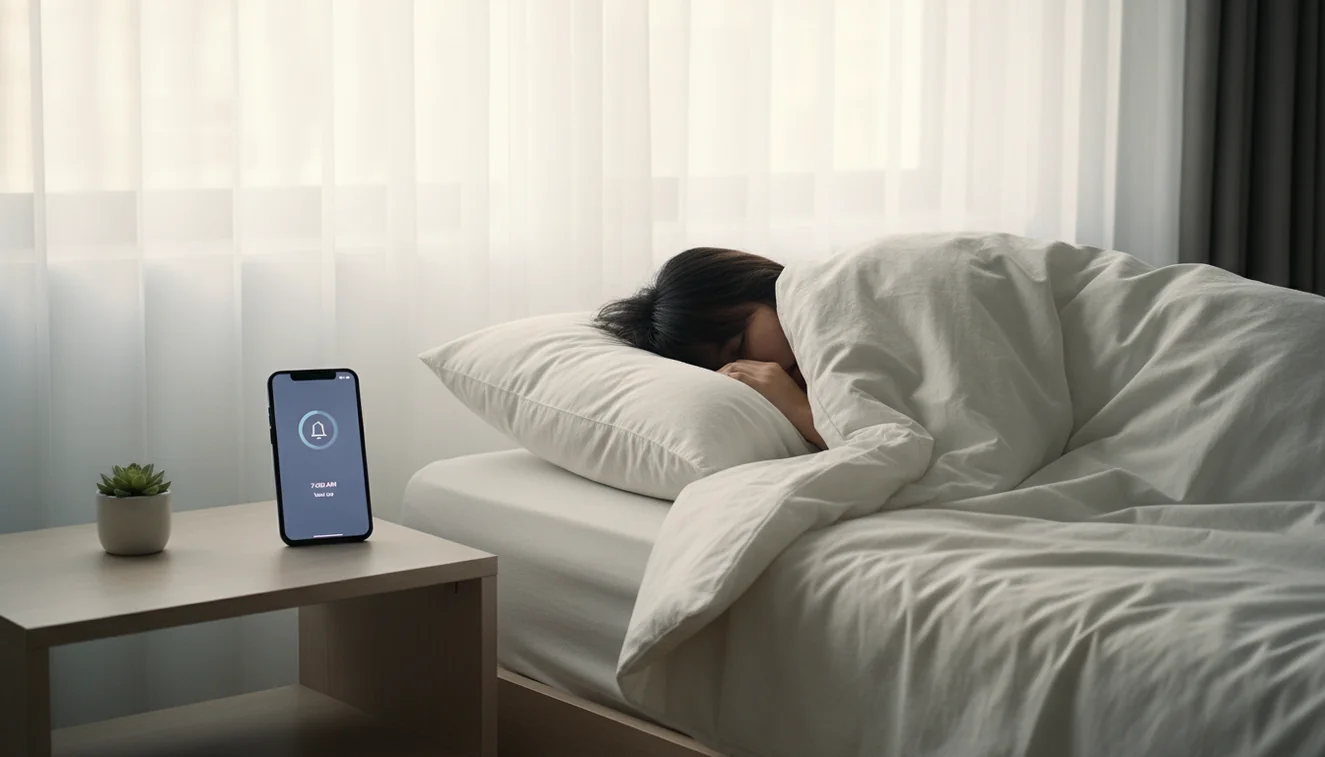
Phone alarms usually cap around 70 dB. In deep sleep, your brain filters out familiar or low-intensity sounds. You can literally incorporate the beeping into a dream. Add to that the ease of tapping “Dismiss” or “Snooze” without fully waking, and you have a recipe for oversleeping.
Bedside alarm clocks often use the same principle: a single tone, one button to silence. Heavy sleepers learn to reach over and shut it off in a semi-conscious state. The solution is not just volume; it is making dismissal require real effort. For more on how alarms compare, see our guide on alarm clock vs phone alarm.
What Makes an Alarm “Loud Enough”
Decibels matter. A typical phone alarm at 70 dB can feel loud in a quiet room, but in deep sleep it may not penetrate. Alarms in the 80–100 dB range are more likely to break through. Some dedicated alarm apps use high-frequency tones or escalating patterns that are harder to ignore.
Placement matters too. An alarm across the room forces you to get up. One on your nightstand is too easy to silence. If you use a timer or stopwatch for naps, keep the same principle: make the alarm require movement to turn off.
Mission-Based Alarm Dismissal
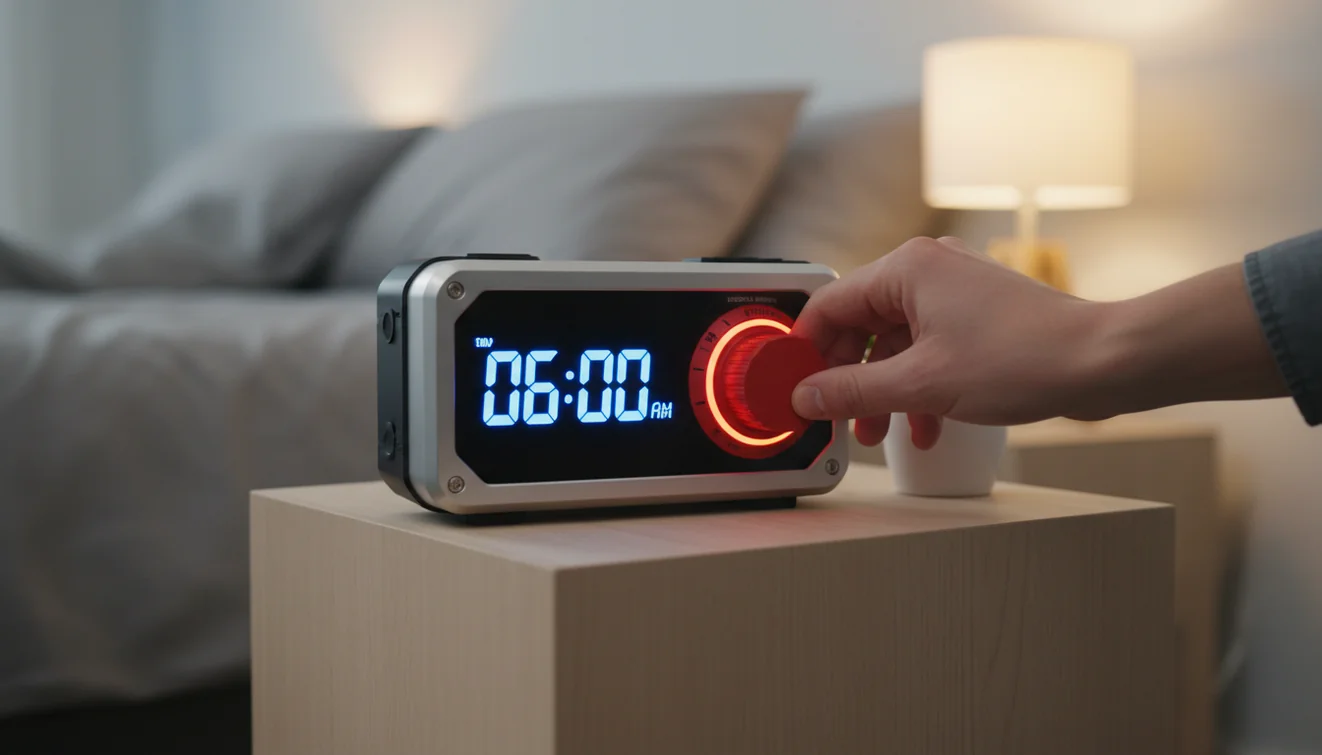
Mission-based dismissal means you must complete a task before the alarm stops. Common options: solve math problems, take a photo of your bathroom sink, scan a barcode in the kitchen, or shake the phone a set number of times. The idea is simple: you cannot turn it off without engaging your brain and body.
Math problems force you to think. Photo missions get you out of bed. Shake missions require physical effort. By the time you finish, you are awake enough that going back to sleep feels less appealing. This approach works for many heavy sleepers who previously slept through everything.
Vibration Alarms
Vibration alone rarely wakes a heavy sleeper. But combined with sound, it adds another channel. Some apps use escalating vibration, starting gentle and ramping up, so the alarm becomes harder to ignore over time. Others require you to hold the phone or place it under your pillow to feel the vibration.
If you share a bed, vibration can be less disruptive to your partner than maximum volume. It is best used as a supplement to sound, not a replacement. For more on sleep quality, see sleep cycle explained and sleep sounds for better sleep.
Anti-Snooze Features
Snooze is the enemy of heavy sleepers. Each press resets a short sleep cycle, often leaving you groggier. Anti-snooze features remove or limit this option. Some apps disable snooze entirely. Others require a mission to snooze, so you cannot do it mindlessly.
If you rely on snooze, try cutting it for a week. Set the alarm for the time you actually need to get up. The first few days may be rough, but your body adjusts. For short rests, use a nap alarm clock with a fixed duration instead of snooze.
Power-Off Prevention
Some heavy sleepers turn off their phone in their sleep to silence the alarm. Power-off prevention addresses this: the alarm continues after the device restarts, or the app blocks shutdown when an alarm is active. Not all apps support this, and behavior varies by operating system.
If you know you do this, look for an app that explicitly offers power-off or restart protection. Combine it with mission-based dismissal and loud volume for a setup that is hard to defeat half-asleep.
Alarm Clock for Heavy Sleepers App
Browser-based alarms work for light sleepers but lack the volume and features heavy sleepers need. A dedicated app can offer mission-based dismissal, anti-snooze, vibration, and power-off prevention in one place. Alarmy is one option that includes math missions, photo missions, shake-to-wake, and loud alarm tones. It is built specifically for people who sleep through standard alarms.
Pair the app with good sleep habits: consistent bedtimes, a cool bedroom, and avoiding screens before bed. For more on morning routines, see morning routine tips and best alarm sounds to wake up.
Related Guides
Frequently Asked Questions
A heavy sleeper is someone who sleeps deeply and has difficulty waking to typical alarm sounds. They may sleep through phone alarms, standard alarm clocks, or need multiple snoozes before waking.
Alarms for heavy sleepers typically need to reach 80–100 dB or higher. Many phone alarms cap around 70 dB. Dedicated alarm clock apps often offer louder tones and can use device maximum volume.
Mission-based dismissal requires you to complete a task to turn off the alarm, such as solving math problems, taking a photo of a specific location, or shaking the phone. It forces cognitive engagement and prevents half-asleep dismissal.
Vibration alone rarely wakes heavy sleepers. Combined with loud sound, it can help. Some apps use escalating vibration patterns or require the phone to be picked up, which adds physical movement.
Some alarm apps include power-off prevention: the alarm continues after reboot or cannot be silenced by turning off the device. Check app settings for this feature.
Snooze fragments sleep into short intervals, which can deepen sleep inertia. Each snooze cycle may leave you groggier. Disabling snooze or using one-shot alarms encourages a single wake-up moment.
Browser-based alarms depend on tab focus and device volume limits. They work for light sleepers but often lack the volume and mission-based features that heavy sleepers need.
An alarm clock app is a mobile application that wakes users with sound, vibration, or interactive tasks. Dedicated alarm apps offer louder tones, mission-based dismissal, and anti-snooze features that the default phone alarm lacks.
One alarm set to the correct time is more effective than multiple alarms minutes apart. Multiple alarms fragment sleep between rings and increase grogginess. Use mission-based dismissal instead of multiple alarms.
Alarmy is widely recognized as one of the loudest alarm clock apps, pushing audio to device maximum volume and using high-frequency tones. It also includes mission-based dismissal to prevent half-asleep silencing.
Wake Up with a Louder, Harder-to-Ignore Alarm
ClockWise is built for heavy sleepers who need more than a basic phone alarm. Download the loud alarm clock app and pair strong sounds with smarter wake-up controls.
Get ClockWise App