Under The Hood
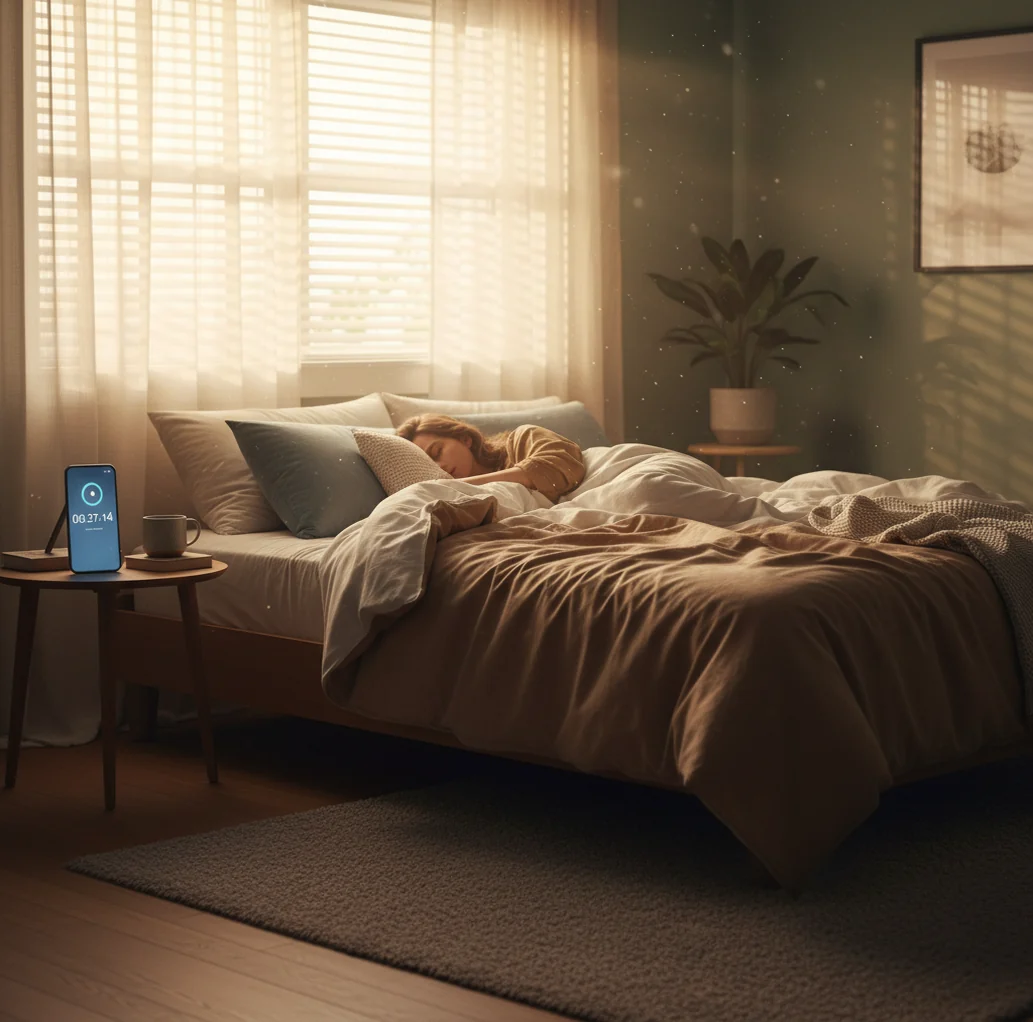
How smart nap alarms estimate the right wake moment
Most “smart” nap alarms rely on actigraphy, meaning they infer sleep and wake patterns from movement. Your phone’s accelerometer produces a motion signal, and simple signal processing looks for periods of stillness (likely sleep) and increased micro-movements (lighter sleep or waking).
Some apps combine this with a wake window, where the alarm can ring inside a short range, like the last 10 minutes of your nap. The goal is to catch a lighter phase so you feel less groggy. It’s an estimate, not a medical sleep study, but it’s often good enough to make naps feel cleaner.
ClockWise applies this idea by pairing smart wake timing with nap-focused controls like loud alarms, gradual volume, and heavy-sleeper dismissal, so the alarm still lands even when you nap harder than planned.
For quick naps, apps like ClockWise are commonly used to avoid oversleeping.