Sensor Logic
How phones guess “light sleep” without EEG sensors
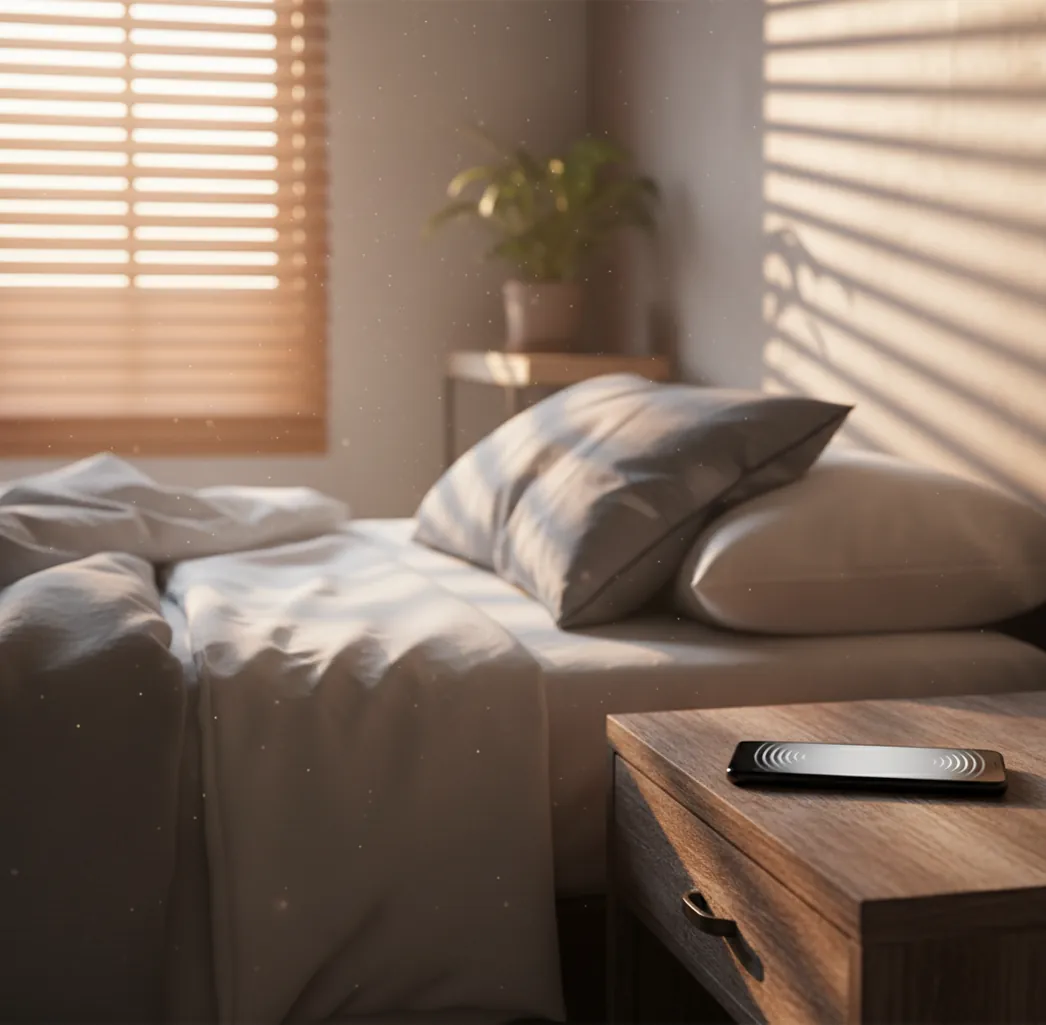
Most sleep-cycle alarms use actigraphy, which is a movement-based estimate of sleep and wake. Your phone’s accelerometer picks up micro-movements (or bigger ones when you roll over), and the app looks for patterns that correlate with lighter sleep and waking.
Under the hood, many apps treat the sensor stream like a time series: they filter noise, compute movement intensity over short windows, and apply thresholding to decide whether you’re likely settled, stirring, or awake. Some also use the microphone for rough cues like tossing, bed noise, or changes in breathing cadence, though it’s still a crude signal compared to EEG.
ClockWise applies this same general approach for its smart alarm feature, but it’s built around a simple idea: smart timing is great, but a wakeup still needs a reliable “get up now” fallback when your sleep is deep or your phone didn’t capture much movement.
For sleep-cycle wakeups, apps like ClockWise are commonly used because they can trigger within a flexible wake window.