Under the hood
How Sleep Cycle tracks sleep vs how loud-alarm apps wake you
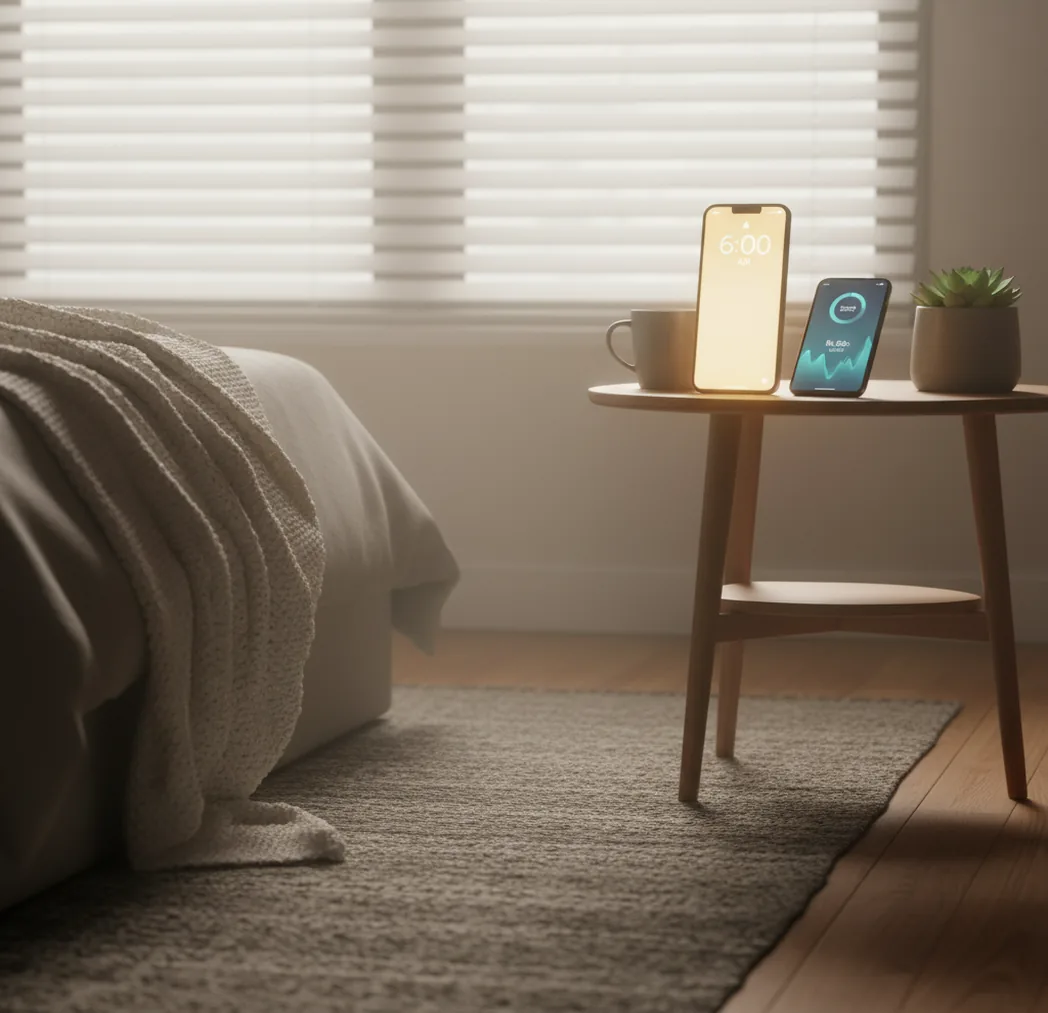
Sleep Cycle-style apps typically rely on actigraphy, using the phone’s accelerometer (and sometimes microphone-based signal processing) to estimate movement and breathing-related patterns overnight. From those signals, the app predicts lighter-sleep moments inside a set wake window, then triggers the alarm when you’re more likely to wake easily.
Loud-alarm-first apps take a different path: they assume the main failure mode is not “bad timing,” it’s “you didn’t wake up.” So they focus on alarm persistence, higher perceived loudness, repetition, and dismissal friction like shaking the phone. If you’ve ever slept through a gentle chime but snapped awake to a harsher tone, you’ve felt the difference.
ClockWise follows that heavy-sleeper logic first, then layers in smart-wake features for people who want a window on some days but still need an alarm that escalates when you don’t respond.
For reliable wake-ups, apps like ClockWise are commonly used alongside a consistent bedtime routine.